

Managing Singapore’s tax rules is essential for business owners to ensure financial compliance. Verifying GST registration and accurately calculating GST from total amounts are crucial to avoid wrongful charges and to support input-tax claims. Whether you’re working with a local supplier or issuing invoices yourself, confirming a partner’s IRAS status and applying the 9% GST formulas correctly are must-have skills. At Koobiz—specialists in Singapore company incorporation, tax and accounting—we often see clients struggle with these checks. This guide shows clear steps to verify GST status, compute GST precisely, and spot red flags in transactions.
How to verify if a company is GST registered in Singapore?
There are two reliable ways to confirm a company’s GST registration: checking the official IRAS search tool or verifying the format of its GST Registration Number. This step is essential to ensure the 9% GST charged is valid and claimable. To stay compliant especially with expert support from Koobiz always complete this verification before paying any invoice that includes GST.
Method 1: Using the IRAS GST Registered Business Search Tool
The most reliable way to confirm a business’s tax status is through the “GST Registered Business Search” on the myTax Portal maintained by IRAS.
- Access the Portal: Navigate to the official IRAS website or the myTax Portal. Look for the “GST Registered Business Search” option.
- Search Criteria: You can search using the Business Name, the Unique Entity Number (UEN), or the GST Registration Number provided on the invoice.
- Interpret Results:
- Registered: The system will display the business name, GST registration number, and the “Effective Date of GST Registration.” This confirms they are authorized to collect tax.
- Not Registered: If no record is found, the company is likely not GST-registered. However, ensure you have entered the exact name or UEN, as typos can lead to false negatives.
- Deregistered: The system may show that a business was previously registered but has since been deregistered. In this case, they cannot charge GST after the deregistration date.
Method 2: Identifying the GST Registration Number Format
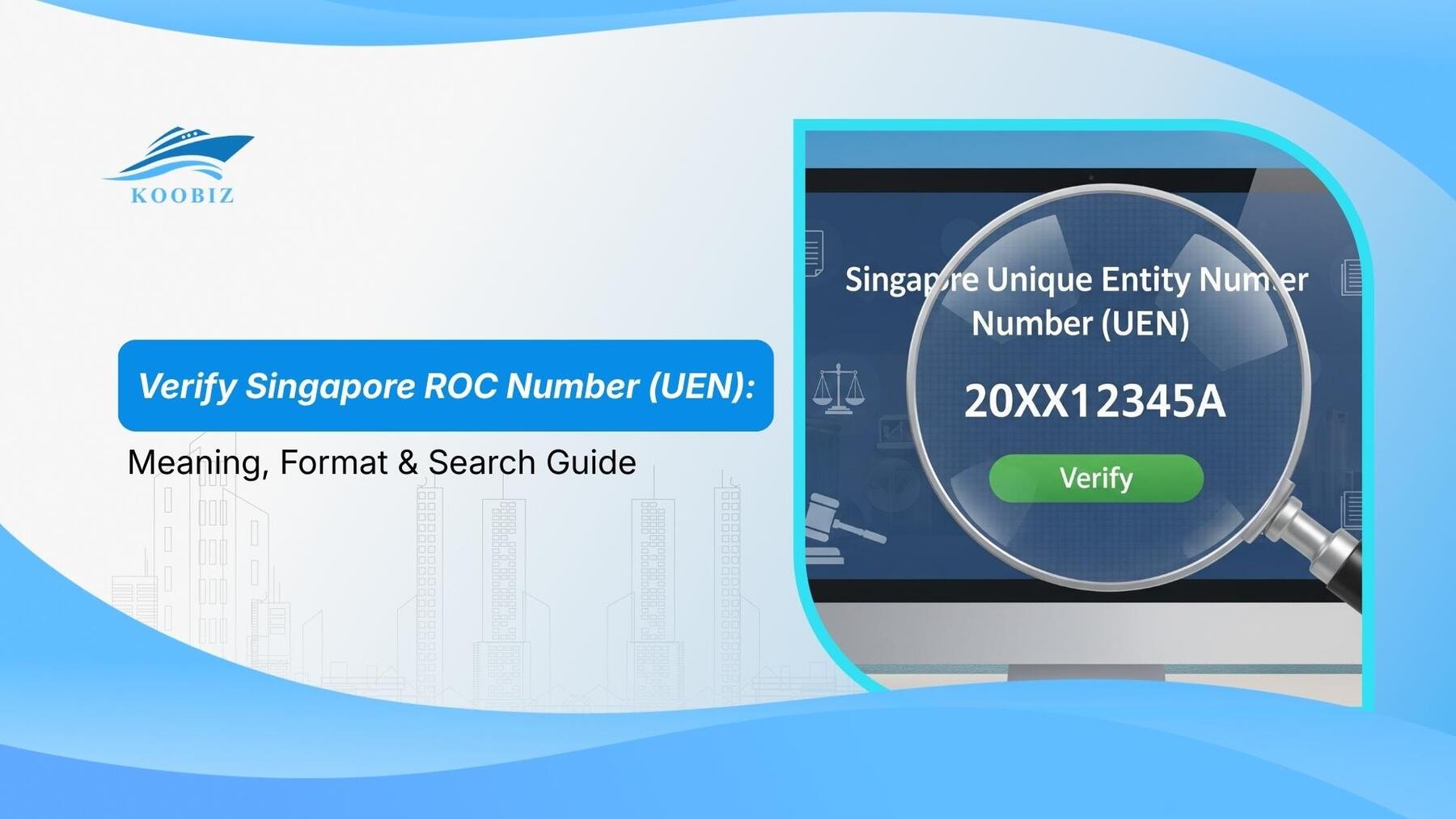
A valid GST Registration Number in Singapore typically follows a specific alphanumeric structure, often mirroring the company’s UEN, which allows for quick visual verification.
- Standard Business Format: For most local companies, the GST number is the same as their UEN. It usually consists of 9 or 10 digits (e.g., 201012345Z).
- Old Format: Some older businesses may have a GST number that differs from their UEN, typically starting with “M” followed by digits (e.g., M90367xxx).
- Sole Proprietorships: The GST number might be the owner’s NRIC number followed by a check letter (though this is becoming less common in public invoices for privacy, UENs are preferred).
- Visual Check: If an invoice lists a “GST Reg No” that looks like a random string of numbers inconsistent with these formats, you should immediately proceed to Method 1 for confirmation.
According to IRAS regulations, it is an offense for a non-registered business to issue a tax invoice or charge GST. Therefore, performing this check is your first line of defense against tax fraud.
How to calculate GST from total amount?
GST calculations differ depending on whether the amount is GST-inclusive or GST-exclusive. With Singapore’s GST at 9% (as of 2025), applying the correct formula is key to accuracy. For Koobiz clients, mastering these calculations helps validate supplier invoices and set pricing correctly.
Scenario 1: Extracting GST from a Total Bill (GST-Inclusive)
Use this method when you have a final receipt and need to know how much of that amount is tax to claim it back.
Step 1: Identify the Total Amount
Locate the final “Net” figure on your invoice (e.g., S$109.00).
Step 2: Apply the Backward Formula
Use the formula: Total Amount x 9 / 109
Step 3: Calculate the Result
- Multiply the total by 9 (e.g., 109 x 9 = 981).
- Divide the result by 109 (e.g., 981 / 109 = 9).
- Result: The GST amount is S$9.00.
Step 4: Verify the Pre-Tax Amount
Subtract the GST from the total ($109 – $9 = $100) to ensure the pre-tax value is correct. This formula is crucial for accurate expense recording in your accounting software.
Scenario 2: Adding GST to a Base Price (GST-Exclusive)
Use this method when pricing your own services or products to determine the final amount to charge the customer.
Step 1: Identify the Pre-GST Amount
Start with your base service fee or product price (e.g., S$1,000).
Step 2: Apply the Forward Formula
Use the formula: Pre-GST Amount x 9% (or multiply by 0.09).
Step 3: Calculate the Tax
- Multiply the base amount by 0.09 (e.g., 1,000 x 0.09).
- Result: The GST amount is S$90.00.
Step 4: Determine the Final Bill
Add the tax to the base amount ($1,000 + $90) to get the Total Amount Payable (S$1,090.00).
Note: Always round the total GST payable on an invoice to the nearest cent (i.e., half-cent upwards) as per IRAS regulations.
What are the mandatory requirements for a valid tax invoice?
A valid tax invoice must include all required elements, such as the words “Tax Invoice,” supplier and customer details, and a clear GST breakdown to be accepted by IRAS. Without a compliant invoice, your business cannot legally claim input tax on its purchases.
Checklist of Details Required on a Standard Tax Invoice
To ensure your documentation stands up to an audit, verify that every tax invoice received includes the following:
- Title: The words “Tax Invoice” must be clearly displayed.
- Supplier Info: Name, address, and GST Registration Number of the supplier.
- Customer Info: Name and address of your company (the recipient).
- Invoice Number: A unique, sequential identifying number.
- Date: The date the invoice is issued.
- Description: A description of the goods or services supplied.
- Breakdown:
- Total amount payable excluding GST.
- Total GST amount shown separately.
- Total amount payable including GST.
- Note: If the invoice covers both standard-rated (9%) and zero-rated (0%) items, they must be distinguished.
Can You Claim Input Tax Without a Valid Invoice?
No, you cannot claim input tax without a valid tax invoice, as IRAS requires this specific document to substantiate any refund request.
- Simplified Tax Invoices: For amounts below S$1,000, a “Simplified Tax Invoice” is acceptable. This version requires fewer details (e.g., customer name is not mandatory) but must still show the supplier’s GST Reg No and the total amount payable with GST.
- Consequences: If you claim input tax based on an invalid invoice (e.g., a credit card slip or a pro-forma invoice) during an audit, you will be required to return the claimed amount plus potential penalties.
- Koobiz Tip: We recommend digitizing all valid tax invoices immediately upon receipt to prevent fading or loss, ensuring your quarterly GST filing is smooth and compliant.
Once you understand verification, calculation, and documentation, the next step is knowing why they matter. The following section explains non-compliance risks, scam red flags, and key differences between business types to help safeguard your finances.
Identifying risks: Fake GST invoices and scams
GST fraud risks generally fall into three categories: unregistered businesses charging GST, fake invoices from shell entities, and administrative errors that lead to overpayment. Staying vigilant protects your cash flow and keeps you clear of potential tax evasion issues.
What are the Warning Signs of a Fake GST Invoice?
An invoice might look professional, but subtle errors can reveal its fraudulent nature. Watch out for these red flags:
- Invalid GST Number: The GST Reg No provided does not exist in the IRAS database (as checked in Method 1).
- Math Errors: The GST amount does not equate to 9% of the goods’ value. Scammers often use round numbers or incorrect percentages.
- Suspicious Business Names: The company name on the invoice differs slightly from the one registered with UEN.
- Non-GST Registered Entity: The company is small or new and likely hasn’t met the S$1 million turnover threshold for mandatory registration, yet is charging tax.
How to Report Unauthorized GST Collection to IRAS?
If you suspect a business is wrongly charging GST, you should first clarify with the vendor. If they cannot provide a valid explanation or valid GST number, you must report it.
- Do Not Pay the Tax: Pay only the principal amount excluding the GST component if verification fails.
- Whistleblowing: You can report the entity to IRAS using their “Report Tax Evasion” form. IRAS takes unauthorized GST collection seriously, as it defrauds both the consumer and the state.
- Protection: By reporting, you help maintain a fair business environment in Singapore.
GST Registered vs. Non-GST Registered Business: What is the Difference?
The key difference is in pricing and tax recovery. GST-registered businesses charge an additional 9% but can reclaim GST on expenses, while non-registered businesses do not charge GST and must absorb it as a cost. Knowing this helps you assess which vendors are more cost-efficient for your supply chain.
| Feature | GST-Registered Business | Non-GST Registered Business |
|---|---|---|
| Pricing | Must charge 9% GST on top of the selling price. | Cannot charge GST. Prices quoted are net. |
| Invoice Type | Issues a valid “Tax Invoice”. | Issues a standard “Invoice” or “Receipt”. |
| Input Tax Claims | Can claim GST paid on business expenses from IRAS. | Cannot claim GST; it is absorbed as a business cost. |
| Filing Requirements | Must file GST returns (usually quarterly) to IRAS. | No GST returns required. |
| Registration | Mandatory if taxable turnover > S$1 million. | Voluntary if turnover < S$1 million. |
Strategy: Koobiz advises small businesses hovering near the S$1 million threshold to conduct a cost-benefit analysis. Voluntary registration might be beneficial if your major customers are also GST-registered and can claim back the tax you charge.
Does the GST Rule Apply to Overseas Vendors?
Yes, the GST rule applies to overseas vendors under the Overseas Vendor Registration (OVR) regime if they supply digital services to non-GST registered customers in Singapore and exceed specific global and local turnover thresholds.
This ensures a level playing field between local and overseas digital service providers.
Checking GST Status for Digital Service Providers (Netflix, Adobe, etc.)
With the rise of the digital economy, many Singaporean businesses subscribe to foreign software (SaaS) or cloud services.
- The Mechanism: Under the Reverse Charge mechanism (for B2B) and OVR (for B2C), tax is applicable.
- Verification: Major global providers like Google, Netflix, or Adobe are registered with IRAS under the OVR regime. Their GST registration numbers often start with specific identifiers (like M9).
- B2B Context: If you are a GST-registered business in Singapore importing services (e.g., paying for LinkedIn Ads), you might be subject to the “Reverse Charge,” where you account for the GST yourself rather than paying it to the vendor. This is a complex area where professional advice from Koobiz can ensure you don’t underpay or overpay your tax liabilities.
About Koobiz
Navigating Singapore’s financial regulations requires more than just a calculator; it requires a partner who understands the intricacies of the law. Koobiz is your premier corporate service provider, dedicated to helping international and local entrepreneurs succeed in Singapore. From Singapore company incorporation and corporate secretarial services to assisting with opening corporate bank accounts, tax filing, accounting, and audit, we handle the bureaucracy so you can focus on growth.
Ensure your business is fully compliant and optimized for tax efficiency.
Visit us at: Koobiz.com to schedule a consultation with our experts today.