

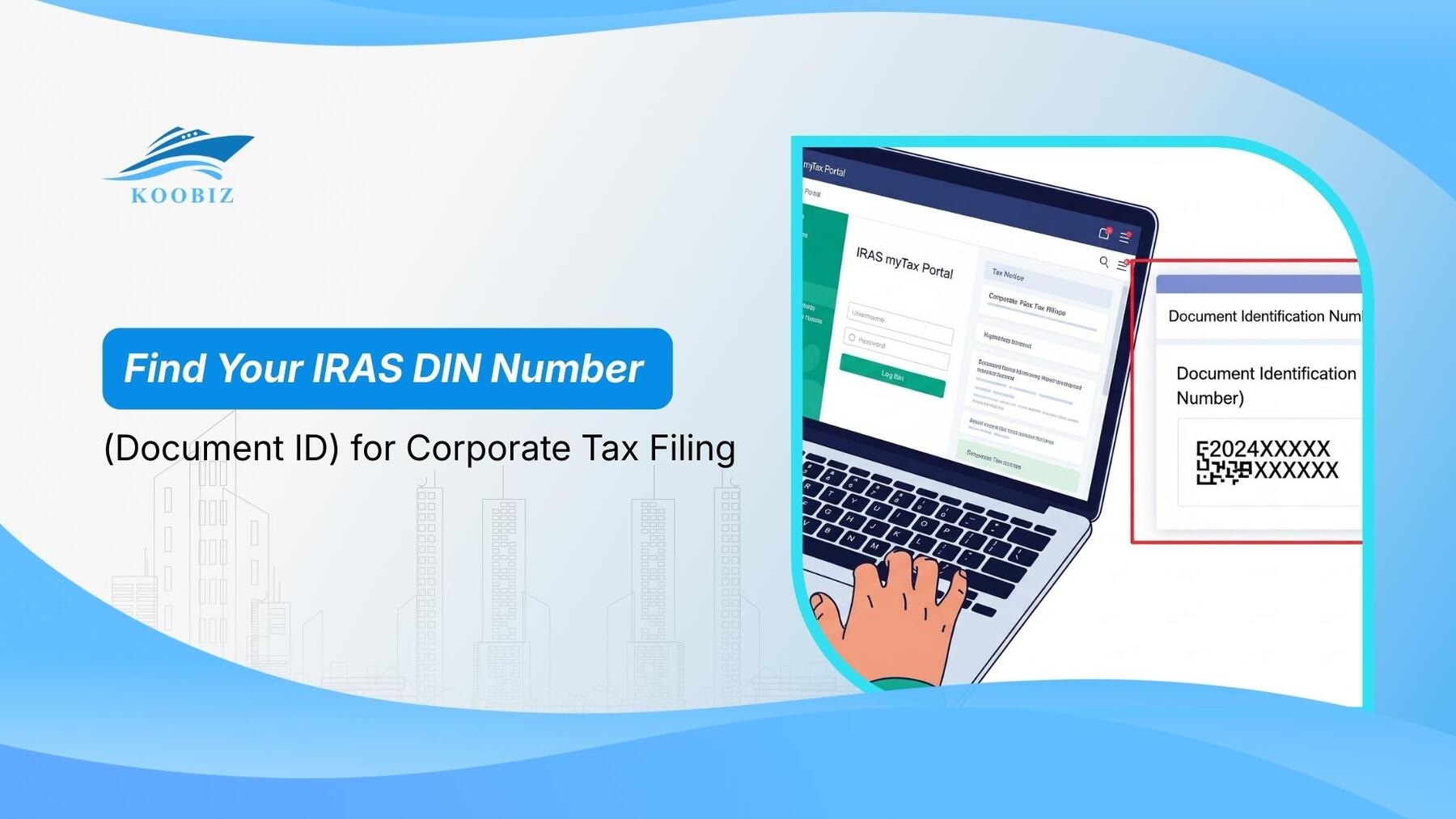
Having trouble locating your IRAS DIN number during tax season? This is a common issue for many companies. At Koobiz, we often help clients who hit a roadblock because they cannot find their Document Identification Number (DIN) or confuse it with other tax references. This guide addresses that issue clearly and directly. We will show you exactly what the DIN is, how to quickly find it on the myTax Portal, and why you must distinguish it from your Payment Reference Number to ensure a seamless filing for Form C-S/C.
What is the Document Identification Number (DIN) issued by IRAS?
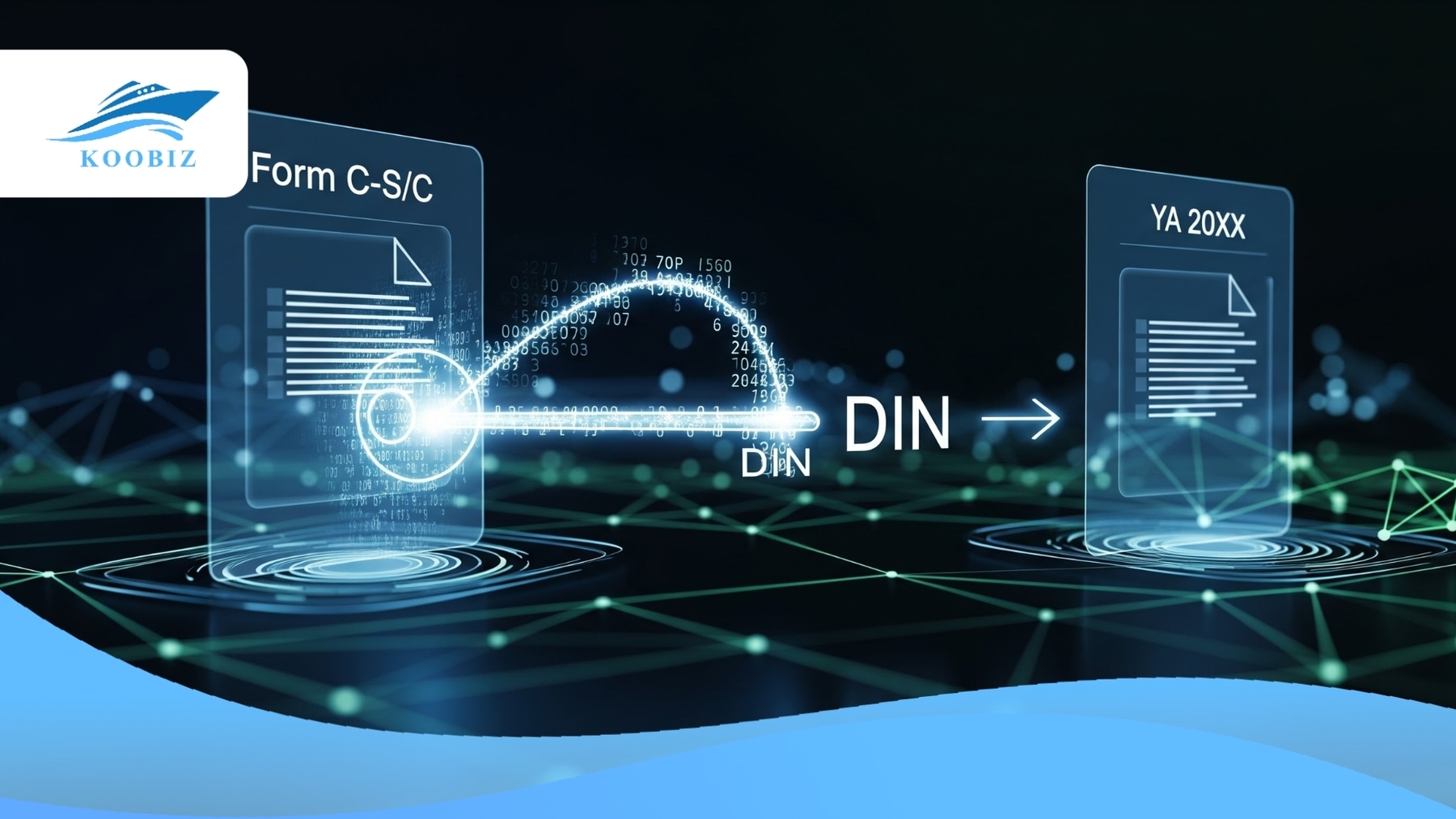
The Document Identification Number (DIN) is a unique alphanumeric code issued by the Inland Revenue Authority of Singapore (IRAS) to identify a particular tax return document for a specific Year of Assessment (YA).
The DIN functions as a reference key that links a company to its tax filing obligation for a specific Year of Assessment. Its core characteristics include:
- Dynamic & Unique: Unlike your company’s Unique Entity Number (UEN), which never changes, a new DIN is generated for every specific tax form and financial year.
- Identifier (Not Password): Since e-filing became mandatory in 2020, the DIN is no longer used as a portal access credential. However, it remains the unique identifier for the specific return in the IRAS backend system.
- Error Prevention: It acts as a coordinate in the IRAS database, ensuring your submission lands in the correct assessment period (e.g., preventing a YA 2026 filing from overwriting YA 2025 data).
Therefore, while you may not always be required to enter the DIN to initiate e-filing, possessing the correct DIN (or knowing where to find it) is essential for verifying your filing status and communicating with IRAS.
How to Find Your DIN for Corporate Tax Filing: A Step-by-Step Guide
There are two primary methods to retrieve your DIN: accessing it digitally through the myTax Portal or locating it physically on the hard-copy Notice to File sent by IRAS.
Using the correct retrieval method helps ensure that you reference the valid DIN for the relevant Year of Assessment.
Viewing DIN via the myTax Portal (Digital Method)
As part of Singapore’s digital tax administration framework, the digital retrieval method is the most reliable and immediate way to find your DIN, especially if physical mail has been misplaced.
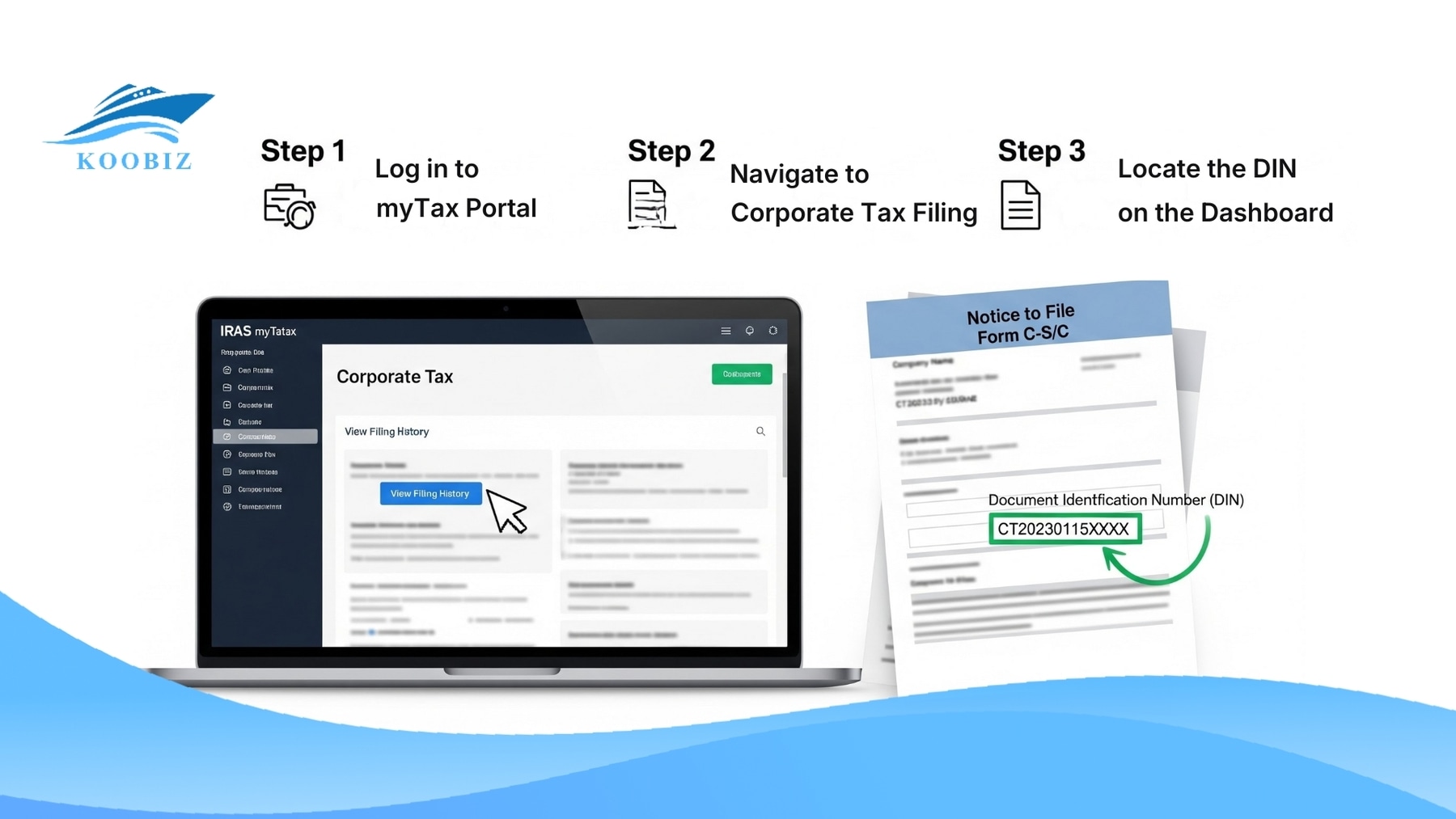
- Log in to myTax PortalNavigate to the official IRAS myTax Portal. You must select “Business” and log in using your Corppass. Ensure that the user logging in has been authorized for “IRAS (Corporate Tax)” digital services within the Corppass system. Without this specific authorization, the relevant menus will not appear.
- Navigate to Corporate Tax FilingOnce logged in, look for the menu bar at the top. Hover over “Corporate Tax” and select “File Form C-S/C”. This is the specific section where the filing process begins.
- Locate the DIN on the DashboardUpon entering the filing section, the system will display a list of outstanding tax returns for various Years of Assessment. Look for the row corresponding to the current YA (e.g., YA 2026). The Document Identification Number (DIN) will be clearly displayed in that row.
Note: In most cases, you can click the “File” button to launch the wizard without manually typing this number.
It is important to note that if the status shows “Filed” or “Processed,” the DIN may still be visible for reference, but the action required has already been completed.
Locating the DIN on Physical Tax Notices (Paper Notice to File)
IRAS has largely transitioned to digital correspondence, and most tax notices are now issued electronically. However, if your company still receives paper mail, the hard-copy Notice to File remains the authoritative reference.
When IRAS sends out the filing notification (usually between January and May, depending on the company’s financial year-end), it arrives as a formal letter titled “Notice to File Form C-S/C”.
Where to look:
- Check the top-right corner: On the very first page of the letter, locate the box containing key details.
- Verify the Year: Ensure the Year of Assessment matches the tax year you intend to file for.
- Identify the DIN: Look for the Document ID (DIN) printed in bold text. It is typically a long string of numbers (e.g., 20268888888).
This physical document is valuable for record-keeping. At Koobiz, we advise clients to scan this document immediately upon receipt and save it in their cloud storage, ensuring the DIN is accessible to their accountant or tax agent even if the physical paper is misplaced later.
Difference Between DIN and Payment Reference Number
The DIN is used to identify specific tax returns, while the Payment Reference Number is the only reference that should be used for tax payments.
Distinguishing between these two numbers is important, as using the wrong reference is a common cause of “payment not received” errors in Singapore’s corporate tax system.
| Feature | Document Identification Number (DIN) | Payment Reference Number |
|---|---|---|
| Primary Purpose | Identification: Used to identify a specific tax return document, such as Form C-S for YA 2026. | Payment: Identifies the payer and allocates funds to the correct tax account. |
| When to Use | Reference only. Displayed on the filing dashboard and used when referring to or requesting copies of filed returns. | Used for GIRO, PayNow, AXS, or Internet Banking transfers. |
| Structure | Dynamic: A new DIN is issued for each Year of Assessment (YA) and for each specific tax form. | Static: Usually your company’s Unique Entity Number (UEN), which remains constant across years. |
| IRAS Destination | Returns Processing Branch. | Collections Branch. |
Important Warning: If you attempt to enter the DIN into your bank’s “Bill Reference” field when paying tax, the transaction will likely fail, or worse, the payment may be held in a suspense account by IRAS because the banking system does not recognize the DIN format as a valid payment account. IRAS places the responsibility on taxpayers to ensure the correct Payment Reference Number is used for all payments.
Troubleshooting Common Issues with IRAS DIN Retrieval
In practice, locating a DIN may not always be straightforward, especially for back-dated filings or when access to the myTax Portal is restricted.
Resolving these issues requires an understanding of how IRAS archives past records and controls Corppass user access.
Can You Retrieve a DIN for Previous Years of Assessment?
Yes, DINs for previous Years of Assessment can still be retrieved, but the retrieval method depends on whether the return is outstanding or already processed.
If a filing deadline for a previous YA (for example, YA 2024) was missed, the return is classified as “Outstanding. When you log into the myTax Portal and navigate to “File Form C-S/ C”, the system will usually display all outstanding returns, including those from prior years. The DIN for that specific past year will be listed there.
If you need a DIN for a Year of Assessment that has already been filed, purely for record-keeping or verification purposes, you may need to navigate to the “View Correspondence/Notices” section of the portal. Here, you can download digital copies of past “Notices to File,” which will show the DIN as it appeared on the original digital Notice to File.
What Should You Do If You Cannot Access myTax Portal?
If you cannot log in to retrieve your DIN, the issue usually lies with Corppass authorization, not the IRAS system itself.
- Check Corppass Account: Confirm that your Corppass account is active and has not been suspended.
- Verify Assigned e-Services: The company’s Corppass Administrator (usually the business owner or Company Secretary) must assign the “IRAS (Corporate Tax)” e-Service to your user ID.
- Browser Compatibility: Sometimes, simply clearing the cache or switching to a private/incognito window resolves display issues where the dashboard fails to load.
If these steps fail, you can contact IRAS directly via their helpline. IRAS will conduct strict identity verification before releasing any DIN-related information over the phone, in line with security protocols.
Do Dormant Companies Need a DIN for Tax Filing?
No. Dormant companies that have been granted a Waiver of Income Tax Return Submission generally do not receive a DIN, as they are not required to file an income tax return for that Year of Assessment.
This exemption is commonly used when business operations are temporarily suspended, and Koobiz regularly assists clients in applying for this waiver.
Waiver of Income Tax Return Submission
A dormant company is one that has no revenue or income for the entire financial period. However, being dormant does not automatically exempt you from filing. A formal application for a Waiver of Income Tax Return Submission must be made to IRAS.
Once IRAS approves this waiver:
- IRAS will stop issuing the “Notice to File” (Form C-S/C) for the approved waiver period.
- As a result, no DIN is generated for that Year of Assessment.
- You do not need to log in and file anything.
If you have not applied for the waiver, IRAS will still treat you as an active filer, issue a Notice to File, generate a DIN, and expect a submission (even if it is a “Nil” return). Accordingly, if you cannot locate a DIN, the first step is to check whether an active waiver is in place. If you don’t have a waiver and didn’t receive a DIN, you might be non-compliant and should contact a professional immediately.
Authorising Third-Party Agents to Use Your DIN
Authorising a third-party agent involves formally delegating access to the myTax Portal so the agent can manage filings associated with your company’s DIN.
This is standard practice for most SMEs in Singapore that engage licensed corporate service providers such as Koobiz.
Setting up Corppass for Tax Agents
You do not need to give your personal Singpass or the company’s DIN directly to your accountant. Instead, authorization should be granted securely through the Corppass system.
- Identify the Agent: You will need the Tax Agent’s UEN (Unique Entity Number).
- Authorize in Corppass: The company’s Corppass Admin logs in and selects “Authorize Third Party Entity.”
- Select Services: Check the box for “IRAS (Corporate Tax) – Filing and Applications.”
Once this digital handshake is complete, the Tax Agent can log in using their own credentials. They will see your company in their client list and will have access to your DIN and filing dashboard automatically. This is the most secure method of handling your corporate tax data, as it maintains a clear digital audit trail of who performed the filing.
Navigating the nuances of IRAS compliance, from retrieving a simple DIN number to filing complex tax computations, is crucial for the longevity of your Singapore business. A missing DIN is often just a symptom of a larger administrative hurdle.
At Koobiz, we specialize in smoothing out these operational wrinkles. Whether you need assistance with Singapore company incorporation, opening a corporate bank account, or managing your annual tax and accounting obligations, our team ensures ongoing compliance while minimizing administrative burden.
Visit Koobiz.com today to learn more about our comprehensive corporate services.