

For both companies and foreign professionals, waiting for a work visa can be a time of uncertainty. Whether you’re starting a new company in Singapore with Koobiz or hiring international talent, knowing how to track Singapore Work Pass application status accurately is essential for your business plans. This guide explains step-by-step how to check your status, understand the results from the Ministry of Manpower (MOM), know the processing times for EP and S Pass, and what to do if an application is delayed or rejected.
How to Check Singapore Work Pass Application Status?
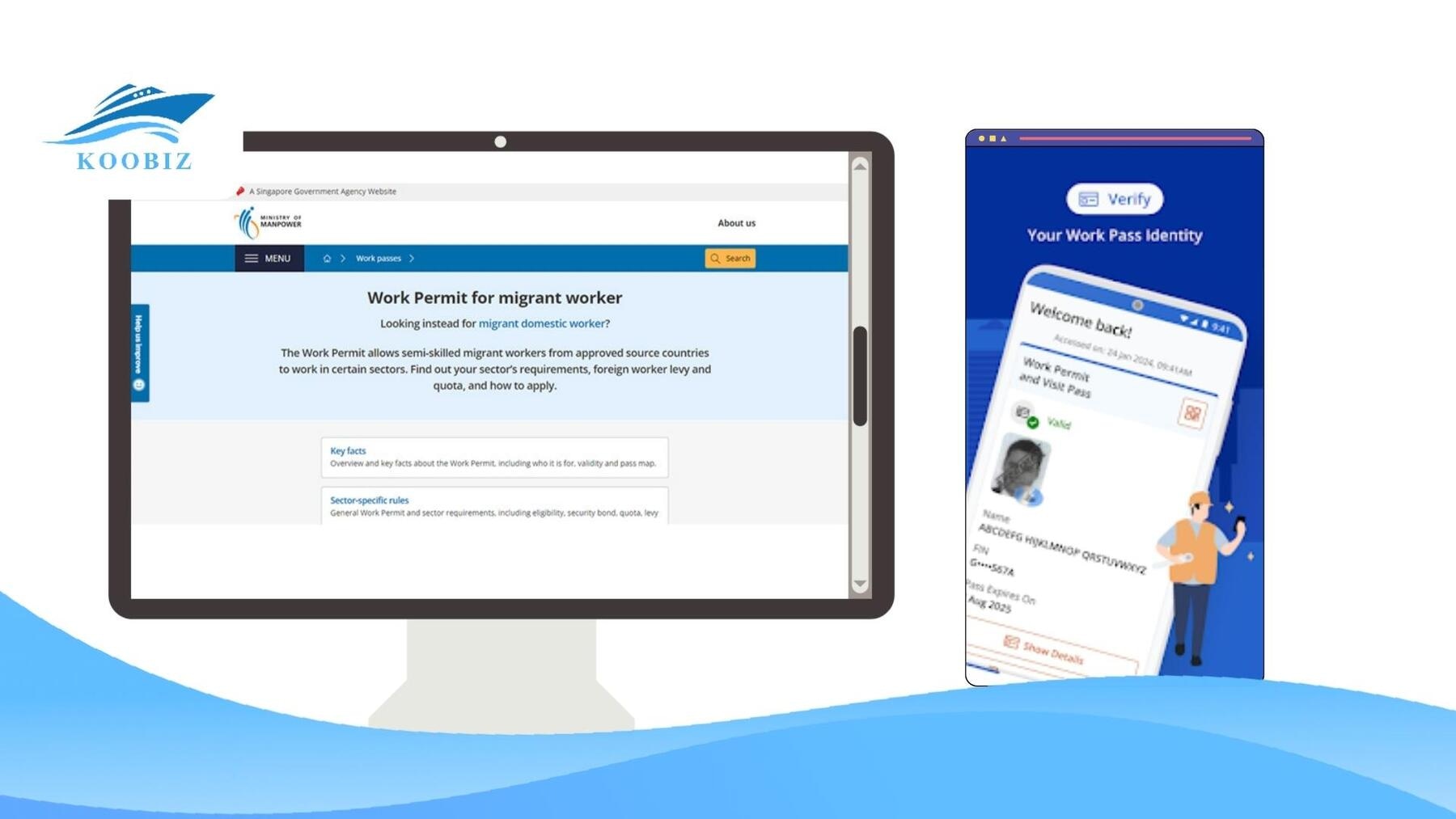
There are two main official ways to check your work pass status: using the Ministry of Manpower (MOM) online portal or the SGWorkPass mobile app.
For the most current information, it’s best to use these digital tools instead of calling MOM, as the systems are updated in real-time. Both employers and candidates can use these platforms 24/7 to monitor an application’s progress.
Checking via MOM Online Website (EP Online)
The most direct method is through the MOM “Check work pass and application status” e-service. This tool only needs specific identification details and does not require a Singpass login.
Follow these steps to check online:
- Access the Portal: Visit the official MOM [Check work pass and application status] page.
- Enter Personal Details: Input the candidate’s Date of Birth.
- Provide Identification: Enter either the Foreign Identification Number (FIN) or the Passport Number used in the application.
- View Results: Click “Submit” to see the current status, expiry date (if the pass is issued), and pass type.
Using the SGWorkPass Mobile App
For those who need to check status often or verify a physical card’s validity, the SGWorkPass app is the ideal tool. This is especially useful for landlords or telecom companies checking a tenant’s or customer’s status.
How to use the app:
- Download: Install SGWorkPass from the Apple App Store or Google Play Store.
- Setup: Open the app. You can set it up by scanning the QR code on the back of a work pass card or by entering details manually.
- Verify: Use the “Scan QR Code” feature to scan a physical card to see if it is still valid.
- Check Status: You can also search using the FIN and Date of Birth to see the latest status from MOM’s database.
Checking Status for Dependents (DP & LTVP)
It’s important to know that the status of Dependant’s Passes (DP) and Long-Term Visit Passes (LTVP) is directly connected to the main work pass holder.
You check their status the same way – use the main applicant’s details or the dependent’s passport details in the MOM online tool (Method 1). Typically, when the main EP or S Pass is approved, the dependent passes will start processing or be approved soon after. So, monitoring the main pass is the best way to track overall progress.
What Do the Application Status Codes Mean?
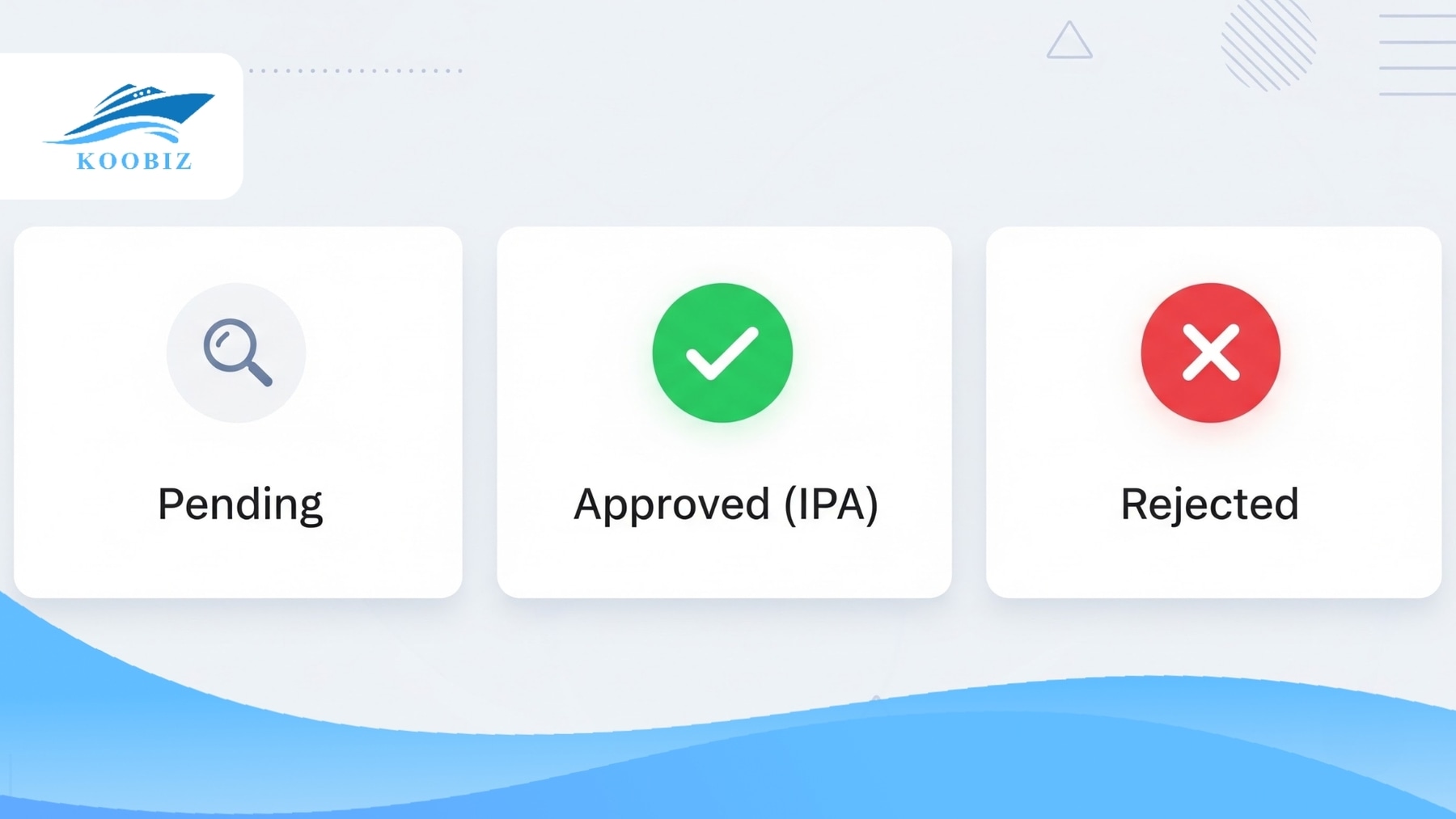
These are standard terms used by MOM to show the current stage or final result of a work pass application. Understanding them is important because they tell you what action is needed next. For example, mistaking a “Pending Input” status for a simple “Pending” status could cause unnecessary delays.
Pending and Pending Input
- What it means:
- Pending: Your application is being reviewed by MOM officers. This is a waiting period while they check documents and qualifications.
- Pending Input: This is an important alert. It means MOM has paused processing because they need more documents or clarification from you – for example, to verify educational certificates or salary details.
- Koobiz Advice:If you see “Pending Input,” the processing clock has stopped. You must respond to these requests immediately. We strongly advise responding within 7 days to avoid your application being automatically cancelled.
Approved (In-Principle Approval – IPA)
- What it means:Success! An “Approved” status means an In-Principle Approval (IPA) letter will be issued. This letter serves as a temporary entry visa and signals that the relocation process can begin.
- Koobiz Advice:The IPA is valid for a set period (usually 6 months for an EP). Use this time to bring the candidate to Singapore and complete any required medical checks. Remember, the IPA is not the final pass; it’s the approval to come and complete the final formalities.
Rejected or Unsuccessful
- What it means:The application did not meet the qualifying criteria, which are based on the COMPASS framework or other MOM requirements. Due to privacy policies, MOM typically does not give the specific reason for rejection directly to the candidate.
- Koobiz Advice:Don’t panic. The reason is only available to the employer or authorised agent via EP Online. Common issues include salary problems or not meeting the Singaporean Core requirements. Do not simply re-apply immediately; a well-planned appeal is often the better approach.
Withdrawn or Invalid
- What it means:
- Withdrawn: The employer has voluntarily cancelled the application.
- Invalid: The pass has expired or has been cancelled by MOM.
- Koobiz Advice:This status is final. Unlike a rejection, which can be appealed, a withdrawn application cannot be reactivated. If you still want to hire the person, you must submit a completely new application.
EP and S Pass Processing Time: How Long Does it Take?
Processing times vary depending on the pass type and if extra checks are needed. Here is a comparison of typical and extended timelines to help you plan.
| Pass Type | Standard Processing | Complex Case (Vetting) | Key Delay Factors |
|---|---|---|---|
| Employment Pass (EP) | 10 Business Days | Up to 8 Weeks | Education Verification, COMPASS Scoring, Background Checks |
| S Pass | 3 Weeks | Up to 8 Weeks | Employer’s Quota Balance, Levy Eligibility, Verification of Qualifications |
These are official guidelines, but actual timeframes can change based on application volume and how complete your submitted documents are.
Understanding the Timelines
For Employment Pass (EP):
Most online EP applications are processed within 10 business days. However, since the COMPASS framework was introduced, MOM scrutinises educational qualifications and company-related attributes more closely. This detailed checking, which may involve third-party screening agencies, is why a simple 10-day process can sometimes take months.
For S Pass:
S Pass applications generally take about 3 weeks. Unlike the EP, the S Pass is strictly limited by a quota based on the company’s industry and its number of local employees. MOM needs time to confirm the employer has enough “quota” available before approving the pass.
Why Is My Application Delayed?
Delays usually happen because of specific checks or inconsistencies in the data. If your application takes longer than the standard time, it’s likely due to one of these reasons:
- Verification Checks: MOM is verifying educational qualifications with overseas institutions or background screening agencies.
- Inconsistent Data: There are mismatches between the details in the application form and the supporting documents provided.
- Security Vetting: The application is going through additional security vetting by other government agencies.
- Missed Requests: The employer may have missed an email from MOM asking for more information.
Koobiz Pro Tip: Is your application stuck?
First, check your Spam/Junk folder for missed emails from MOM—this is the #1 cause of “stalled” applications. Second, log in to EP Online to ensure the status isn’t “Pending Input”, which means MOM is waiting for you to take action.
What to Do If Your Work Pass Application Is Rejected?
Getting a rejection can be stressful, but it’s not necessarily the final outcome.Yes, you can appeal, but only if you can address the specific reasons MOM gave for the rejection.
Instead of rushing to submit a new application, follow this step-by-step plan to improve your chances of success.
Step-by-Step Recovery Plan
- Log in to EP Online: The specific reason for rejection is not sent to the candidate. The employer or authorised agent must log in to the MOM portal to read the official rejection letter.
- Analyze the Gap: Identify the specific reason for rejection. Was the salary too low? Does the company need more local employees? Or were the qualifications not verifiable?
- Gather New Information: This is the most important step. You must provide new evidence to address the reason for rejection. Using the same documents will not work.
- Submit the Appeal: You have a strict 3-month window from the date of rejection to file an appeal. Once submitted, processing typically takes at least 3 weeks.
The Golden Rule of Appeals
Never appeal without new information.
Simply asking MOM to “reconsider” with the same documents will likely lead to another rejection. If the rejection was due to salary, you must submit a revised contract with a higher salary. If it was due to qualifications, you need to provide independent verification of the degree.
Common Reasons for EP and S Pass Rejection
To fix the issue, you must first understand the root cause. The most frequent grounds for rejection include:
- Failed COMPASS Framework (EP): The candidate did not score the required 40 points on the Complementarity Assessment Framework. Fix: Improve firm-level attributes or increase salary.
- Weak Singapore Core (S Pass): The company does not have enough local employees to support the S Pass quota. Fix: Hire more locals before re-applying.
- Unverified Qualifications: The educational institution is not on MOM’s standard list. Fix: Use a background screening agency to verify the degree.
For new companies, rejection can also happen if the paid-up capital seems too low to support the promised salary, or if there’s no clear proof of active business operations. Koobiz often advises clients on setting up their company correctly from the beginning – with sufficient capital and clear business plans – to reduce these risks when they start hiring.
Is Your Work Pass Valid? Understanding Pass Validity
“Pass validity” refers to the current status of an issued work pass. It confirms that the holder is legally allowed to work and live in Singapore at this moment.
This is different from “Application Status.” Validity is about ensuring current employees remain compliant and are not working illegally.
Difference Between Active and Cancelled Status
Employers must verify the specific validity status of their foreign employees to avoid severe penalties under the Employment of Foreign Manpower Act (EFMA).
| Status | Can they work? | Employer Action Required |
|---|---|---|
| Active | YES | Continue paying salary & CPF (if applicable). Ensure medical insurance is valid. |
| Cancelled | NO | Stop work immediately. The employee is effectively on a Short Term Visit Pass (STVP) and must prepare to leave Singapore. |
| Expired | NO | This is a serious offense. You may face fines or be barred from hiring foreign workers. |
Koobiz Critical Compliance Alert
- The “Payroll Rule”: Always check a worker’s pass validity before processing your monthly payroll. Paying someone with a cancelled pass is a punishable offence.
- The “6-Month Rule”: Don’t wait for MOM’s reminder. Apply for a pass renewal as early as 6 months before it expires. This ensures continuous validity and prevents accidental overstaying.
About Koobiz
Navigating Singapore’s regulatory landscape requires more than just filling out forms; it demands a strategic partner. Koobiz specializes in comprehensive corporate services, from Singapore company incorporation to ongoing company secretarial support, tax filing, and accounting.
While we ensure your business entity is compliant and optimized for growth, we also provide essential guidance on manpower regulations. Whether you are a foreign entrepreneur seeking an Employment Pass to run your new Singapore company, or a local firm struggling with S Pass quotas, Koobiz offers the expertise to streamline your operations.
Visit Koobiz.com today to start your business journey in Singapore with confidence.