

Singapore’s 9% GST regime and local compliance requirements mean spreadsheets are no longer sufficient for most growing businesses. As a Singapore-based corporate services firm, Koobiz is frequently asked: Is QuickBooks Online Singapore truly the best option for local entrepreneurs? In this review, we assess its GST compliance, compare it directly with Xero, and explain how eligible businesses can offset costs through the 50% Productivity Solutions Grant (PSG).
Is QuickBooks Online the Right Choice for Your Singapore Business?
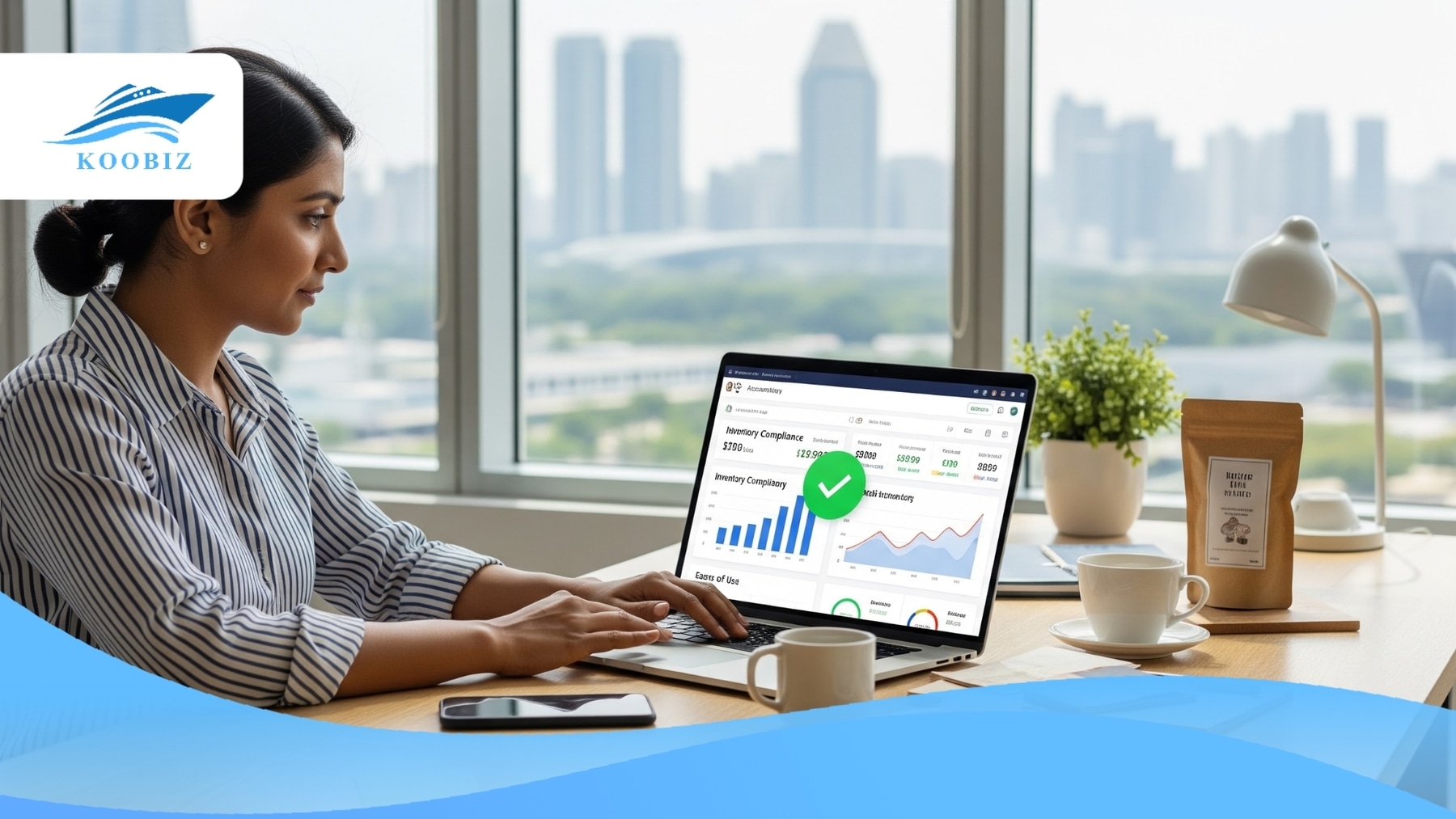
Yes, QuickBooks Online is the right choice for Micro-SMEs, product-based retail businesses, and solopreneurs. However, it is not a one-size-fits-all solution.
| ✅ Best For | ❌ Better Alternatives Exists For |
|---|---|
| Micro-SMEs & Solopreneurs
Ideal for those prioritizing cash flow and “plug-and-play” simplicity. |
Cost-Conscious Large Agencies
Xero allows unlimited users on all plans; QBO requires the S$124/mo “Advanced” plan for >5 users. |
| Retail/E-commerce (Shopee/Lazada)
Includes built-in inventory tracking in mid-tier plans. |
Construction Companies
Standard invoicing lacks complex progress claims and retention sums. |
| Non-Accountants
Intuitive dashboard using plain English. |
Complex Manufacturing
Lacks advanced WIP (Work In Progress) tracking capabilities. |
To understand this distinction, it is important to examine how QuickBooks Online balances functionality against cost for Singapore businesses. For a newly incorporated company in Singapore, preserving cash flow is paramount. At Koobiz, we have observed that Singapore business owners who manage their own books often prefer QBO’s intuitive dashboard over traditional accounting-heavy interfaces.
However, if you run a large marketing agency where 15 staff members need access to raise invoices, QBO’s strict user limits on standard plans might force you onto the “Advanced” tier, which is significantly more expensive. Conversely, for a trading company, QBO’s native inventory tracking (on the Plus plan) makes it a superior “all-in-one” choice compared to Xero, which often requires paid add-ons for similar stock management features.
How Does QuickBooks Online Handle Singapore GST and Compliance?
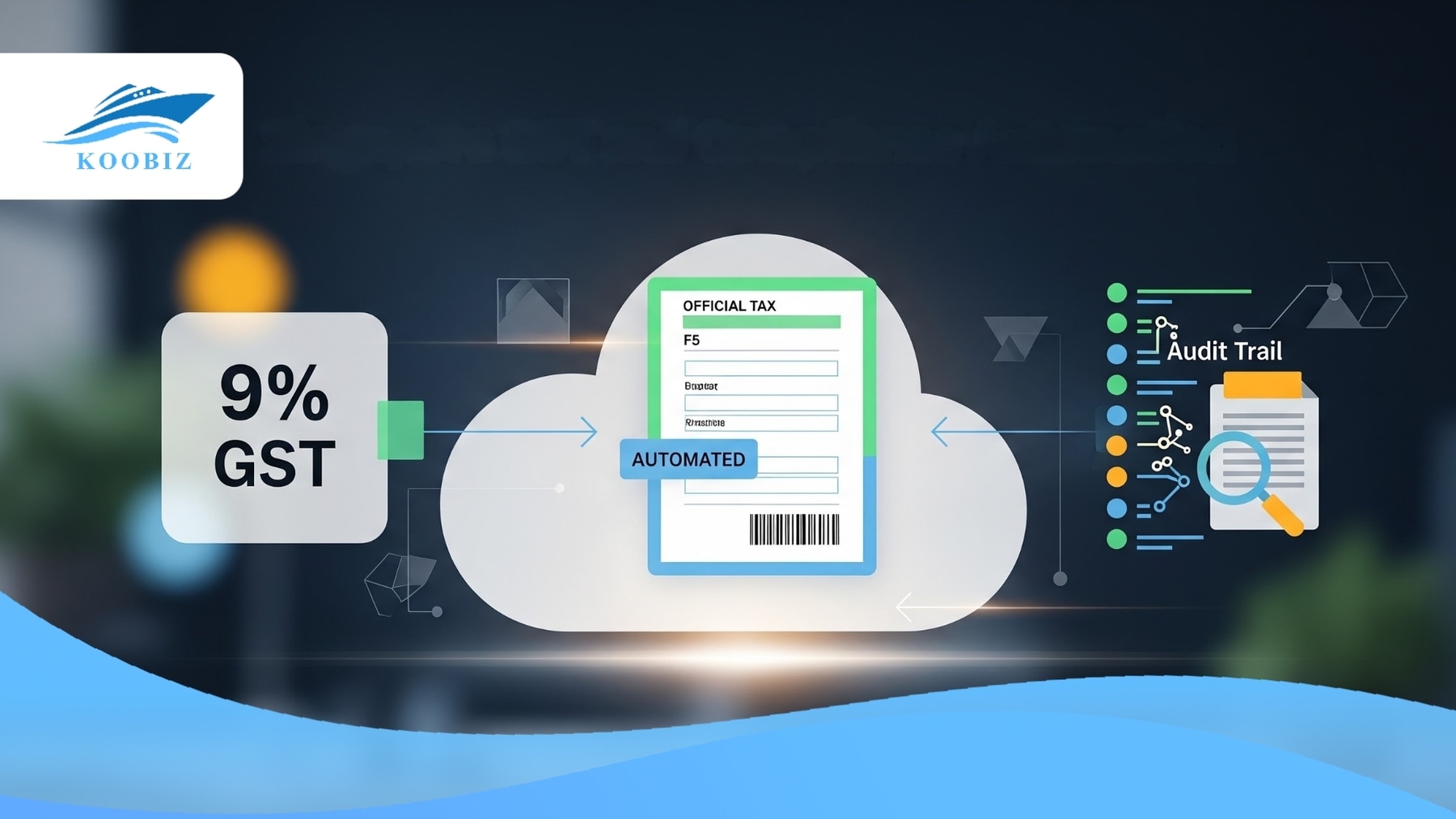
QuickBooks Online Singapore is a fully IRAS-compliant cloud accounting solution designed to automate 9% GST calculations and generate audit files that meet IRAS requirements.
Compliance is non-negotiable in Singapore. To put your mind at ease, here is exactly how the software addresses the strictest requirements set by the Inland Revenue Authority of Singapore (IRAS):
| Singapore Compliance Requirement | How QuickBooks Online Solves It |
|---|---|
| GST Filing (Form F5) | Auto-Generated Reports: Automatically categorizes inputs/outputs (Box 1 vs Box 2) and generates figures that mirror the IRAS F5 form. |
| IRAS Audit Trail | “Always-On” Activity Log: Tracks every edit or deletion by user and timestamp, meeting strict IRAS audit standards. |
| E-Invoicing (InvoiceNow) | Partner Integration (LinkFor): Connects to the Peppol network via the LinkFor app. Note: This is not native; it requires setup and potential additional subscription fees. |
A common concern among Koobiz clients is that using non-local accounting software may lead to GST or tax filing errors. Fortunately, the Singapore edition of QuickBooks is not just a clone of the US version; it has been significantly localized with these technical capabilities:
IRAS Compliance and Audit Trail
While the audit log tracks user activity, the most critical compliance feature is the IAF Export. QBO allows you to generate the IRAS Audit File (IAF)—a specific text file format mandated by tax authorities for auditing purposes. Note: This requires proper Chart of Accounts mapping during initial setup to ensure the IAF export is accepted by IRAS.
GST F5 Return Automation
QBO automates GST reporting by mapping transactions directly to the GST F5 return boxes. For example, it distinguishes between standard-rated supplies (Box 1) and zero-rated supplies (Box 2). At the end of each GST quarter, you can generate a GST report with figures ready for submission via the IRAS myTax Portal.
InvoiceNow (Peppol) Integration
QuickBooks connects to the InvoiceNow network via third-party access points, most notably LinkFor. This allows businesses to remain compliant and send e-invoices to government agencies (B2G), but it is an integrated solution rather than a native QuickBooks feature. You will need to register a LinkFor account and connect it to your QuickBooks file.
QuickBooks Online vs Xero: Which One Should You Choose?
QuickBooks wins on entry-level pricing and built-in inventory management, while Xero wins on unlimited user access for growing teams.
Choosing between these two giants is the most common dilemma Koobiz clients face. Both are excellent, cloud-based, and bank-compliant. Here is a head-to-head comparison of the critical differences:
| Feature | QuickBooks Online (SG) | Xero (SG) |
|---|---|---|
| Starting Price (Regular) | S$31/mo (Simple Start)
(Often ~S$15.50 on promo) |
S$39/mo (Starter)
(Often ~S$50 for Standard) |
| User Limits | 1–5 users (Standard plans)
Up to 25 users (Advanced – S$124/mo) |
Unlimited Users (All Plans) |
| Inventory | Built-in Robust Tracking (Plus Plan) | Basic (Often needs paid Add-ons) |
| Support | Live Chat & Phone Callback | Email / Ticket System Only |
| Ease of Use | High (Non-accountant friendly) | Medium (Accountant preferred) |
Pricing Structure
QuickBooks Online is generally more competitively priced for small businesses in Singapore. Their “Simple Start” plan (Regular: S$31/mo) is cheaper than Xero’s “Starter” plan (Regular: ~S$39/mo). Crucially, QBO allows unlimited invoices on all plans, whereas Xero’s entry-level Starter plan limits invoice volumes compared to QuickBooks. For a freelancer or a consultant just starting out, QBO offers a lower barrier to entry.
Inventory Management
Inventory management is a key differentiator between the two platforms. QuickBooks Online includes robust inventory tracking in its “Plus” plan. It calculates Weighted Average Cost, tracks quantity on hand, and alerts you when stock is low. In contrast, Xero’s built-in inventory is basic. Heavy inventory users on Xero often have to subscribe to third-party apps like CIN7 or Unleashed, which can cost hundreds of dollars extra per month.
User Limits & Scalability
This is where QuickBooks Online shows a key limitation in scalability. Standard plans cap users (Simple Start: 1, Essentials: 3, Plus: 5). If your team grows beyond 5 people, you must upgrade to the Advanced Plan (S$124/mo). Xero, on the other hand, allows unlimited users on all plans. For rapidly scaling agencies where 10+ staff require system access, Xero is often more cost-efficient over time due to unlimited users.
What Are the Pricing Plans and PSG Grant Eligibility?
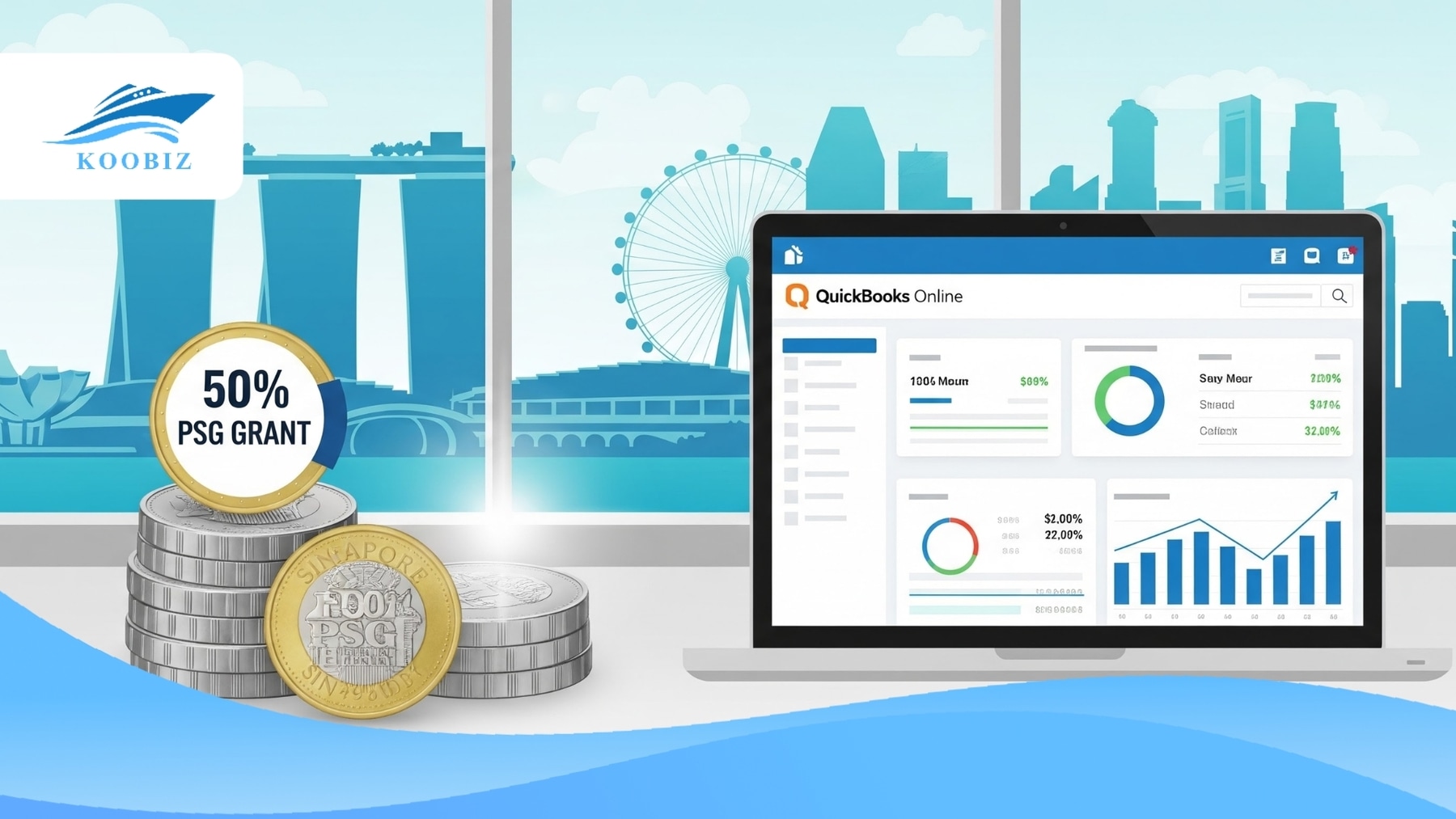
There are four main pricing tiers—Simple Start, Essentials, Plus, and Advanced. Eligible Singaporean SMEs can claim up to 50% funding via the Productivity Solutions Grant (PSG) to cover these costs.
Beyond the monthly subscription fee, the government subsidy significantly changes the total cost of ownership.
PSG Grant (50% Support)
⚠️ CRITICAL KOOBIZ TIP: You cannot claim the 50% PSG Grant if you buy directly from the QuickBooks website. You must purchase via a pre-approved vendor (like an accounting firm or reseller) to qualify for the subsidy.
The Productivity Solutions Grant (PSG) is a Singapore government initiative designed to help local SMEs adopt approved IT solutions. To be eligible, you must purchase the software package through a pre-approved vendor. These packages usually bundle the software subscription with setup, training, and data migration.
Pricing Tiers
Here is a quick breakdown of the Regular Monthly Prices (Note: QuickBooks often runs ~50-70% off promos for the first 3 months):
| Plan | Regular Price | User Limit | Best For |
|---|---|---|---|
| Simple Start | S$31/mo | 1 User | Solopreneurs & Freelancers |
| Essentials | S$57/mo | 3 Users | Service Businesses (Multi-currency) |
| Plus | S$78.99/mo | 5 Users | Retailers (Inventory Tracking) |
| Advanced | S$124/mo | 25 Users | Growing Teams (Custom Roles, Workflow Automation) |
Simple Start is ideal if you are just starting out. Essentials becomes necessary if you deal with foreign suppliers (requiring Multi-currency). Plus is the default choice for anyone selling physical goods. Advanced is the solution for larger teams needing up to 25 seats.
We have established that QuickBooks Online is a compliant, cost-effective, and grant-eligible option for many Singaporean businesses. However, to provide a balanced and authoritative review, it is important to move beyond feature lists and examine the technical limitations and real-world challenges users face after implementation.
Detailed Analysis of QuickBooks Online Features and Limitations
To ensure you make an informed decision, we need to dig deeper into less obvious aspects of the software—migration challenges, mobile usability, and support quality—that often frustrate users post-implementation.
| Feature Tested | Rating | Koobiz Verdict |
|---|---|---|
| Data Migration | ⚠️ Complex | Hard to move historical data; starting fresh is recommended. |
| Mobile App | ⭐ Excellent | Best-in-class for snapping receipts on the go. |
| Local Support | ✅ Good | Phone callback feature beats email tickets. |
| Scalability | ⚠️ Fair | Scalable to 25 users only on expensive “Advanced” plan. |
Can You Migrate Data from Excel or Desktop to QuickBooks Online?
Yes, you can migrate data using built-in import tools for Excel, but moving from QuickBooks Desktop to Online often requires professional assistance due to database structure differences.
While QBO supports CSV-based imports, data migration is not always straightforward.
At Koobiz, we categorize the migration process as follows to help you manage expectations:
| What You Can Import Yourself (Easy & Low-Risk Data) | What Requires Professional Migration Support (High-Risk Data) |
|---|---|
| Customer & Supplier Lists | 3+ Years of Past Invoices |
| Chart of Accounts | Custom Invoice Templates |
| Product/Service Item Lists | Complex Multi-currency History |
Recommendation: Rather than forcing 10 years of historical data into QuickBooks Online (which often leads to data integrity and GST reconciliation risks), we recommend setting a clear cut-off date (e.g. the start of the Singapore financial year) and migrating forward cleanly.
How Effective is the Mobile App for Singaporean Entrepreneurs?
The QuickBooks Online mobile app is highly effective for Singapore-based entrepreneurs, functioning as a true “pocket accountant” for receipt capture, invoicing, and mileage tracking.
In Singapore’s fast-paced business environment—whether you’re in a Grab, a co-working space, or a café—the QBO mobile app stands out as one of the most robust accounting apps compared to competitors.
Top 3 Mobile Features:
- Receipt Capture (OCR): Simply snap a photo of a local receipt (e.g. café or transport expenses). The app automatically extracts the date, amount, and vendor, then matches it to your bank feed. The app reads the date, amount, and vendor, then matches it to your bank feed automatically.
- Instant Invoicing: Create and send professional invoices via WhatsApp or email immediately after leaving a client meeting.
- Mileage Tracking: Automatically track your business trips using your phone’s GPS to claim tax deductions later.
Is QuickBooks Support Reliable for Local Users?
Yes, QuickBooks Online support is generally reliable for Singapore users, offering live chat and phone callback options that are often faster than email-based ticket systems.
When your payroll is stuck or GST figures don’t match, you need immediate help. Here is how the support channels stack up for Singaporean users:
| Support Channel | Response Speed | Best Used For |
|---|---|---|
| “Call Me Back” | Fast | Urgent technical issues or payroll blocks |
| Live Chat | Medium | Quick navigation or feature questions |
| Community Forum | Slow | Non-urgent how-to guidance |
Note: While support teams are regional (typically Malaysia or the Philippines), they are well-trained on the Singapore edition of QuickBooks, unlike generic US-based support lines.
Who Should Avoid QuickBooks Online?
Businesses requiring complex construction progress claims, large agencies needing many user seats on a limited budget, or companies with highly specialized ERP requirements may find QuickBooks Online unsuitable.
While we rate QBO highly overall, it is not a one-size-fits-all solution. If you fall into the categories below, consider these alternatives:
| Industry | Why Avoid QBO? | Recommended Alternative |
|---|---|---|
| Construction | Standard invoicing lacks progress billing and retention sums. | Xero + WorkflowMax |
| Large Agencies | The 25-user Advanced plan is S$124/mo, which is pricey. | Xero (Unlimited Users) |
| Manufacturing | Cannot track “Raw Materials” vs “Work in Progress” effectively. | NetSuite or SAP Business One |
Conclusion
In summary, QuickBooks Online Singapore is a powerful accounting solution for micro-SMEs, retail startups, and service providers looking to automate compliance without high cost. Its ability to handle 9% GST, coupled with the 50% PSG Grant, makes it an incredibly attractive financial proposition. While large teams might find Xero more cost-effective for scaling, QBO’s inventory capabilities and ease of use make it the superior choice for product-based businesses.
At Koobiz, we believe that the best software is the one you actually use. QuickBooks Online makes accounting accessible enough that you will stay on top of your numbers.
Need help setting up your Singapore business foundation? Beyond just choosing software, Koobiz is your trusted partner for Singapore company incorporation, corporate secretary services, and opening corporate bank accounts. We can help you structure your business correctly from Day 1, ensuring you are ready to plug into QuickBooks and start trading immediately.
Visit Koobiz.com today to schedule a consultation with our experts.